 LifePal
Your day, with a little more care
Plan your day.
Feel more like you.
LifePal is a warm, practical home for your tasks, habits, notes, focus sessions, and the plans that make up a real day.
 Available for iPhone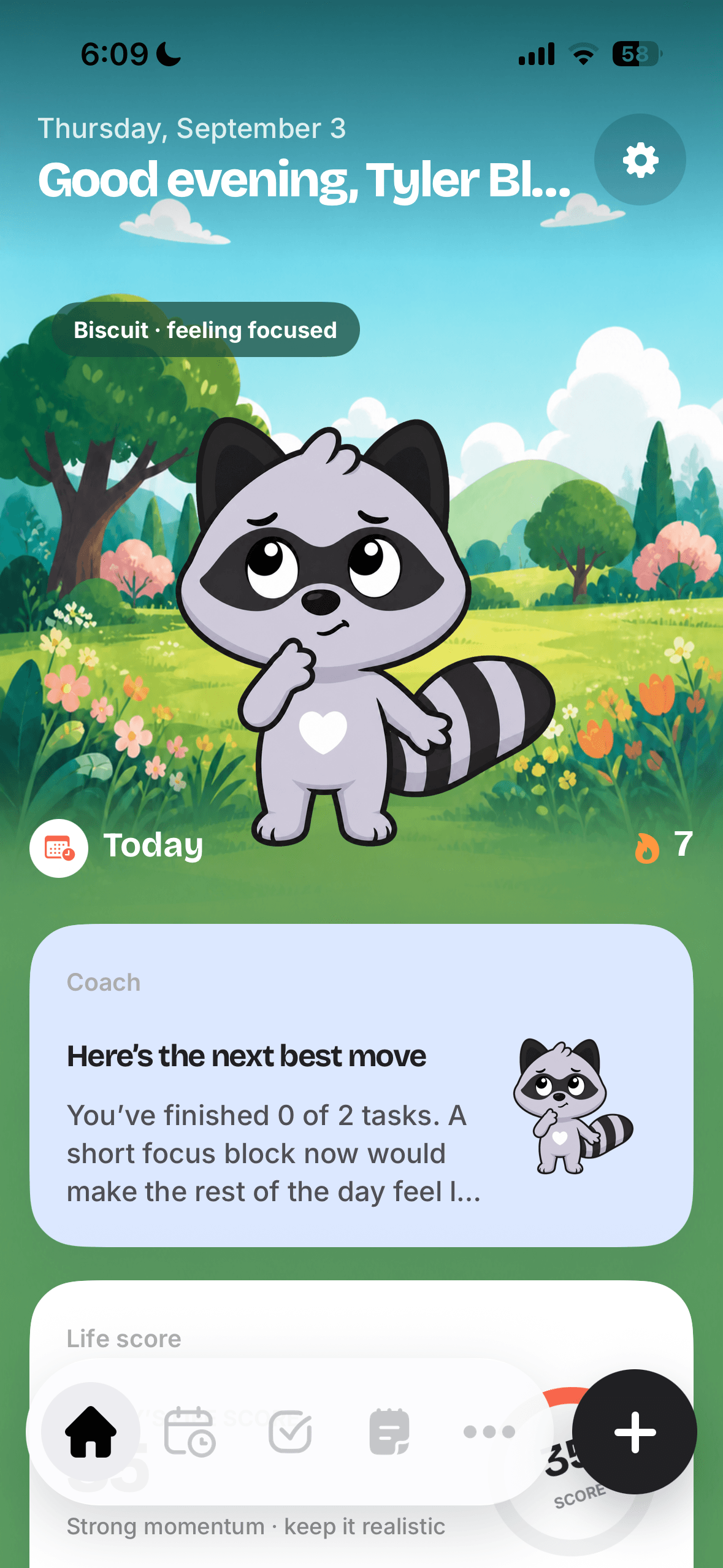
One calm place for your
day·tasks·habits·notes·focusMade for real life
Less switching.More living.
LifePal brings the little moving pieces of a day together, so it is easier to notice what needs your attention—and what can wait.
Daily planner
See your whole day, without the mental tabs.
Give tasks a time and make space for what matters. LifePal turns your plans into one clear, flexible timeline.
Explore Daily planner →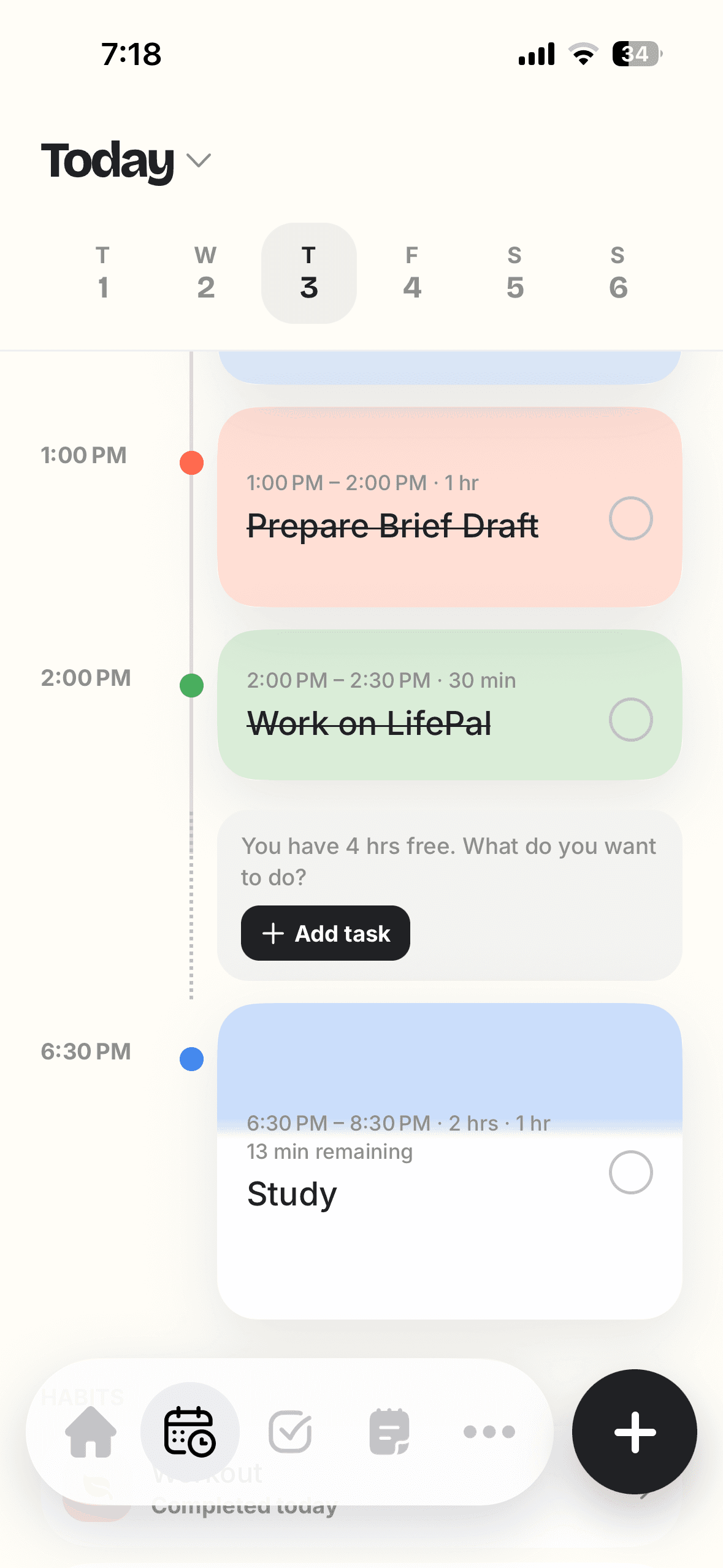
AI planner & coach
A gentle next step is always within reach.
Ask LifePal to help you choose a priority, shape a focus block, or make a busy day feel more manageable.
Explore AI planner & coach →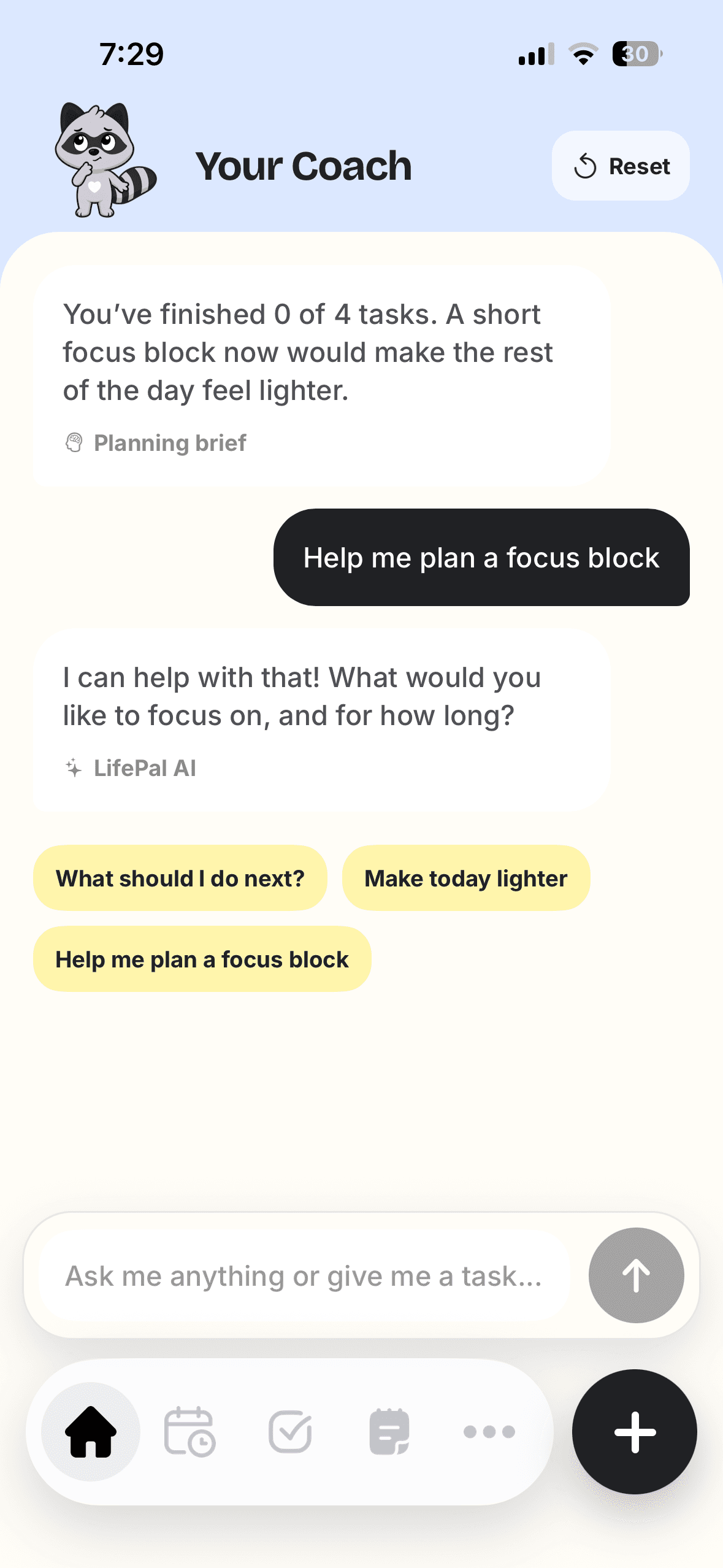
Focus timer
Protect a little time for deep work.
Start a focused session, keep an eye on the timer, and put distractions aside when you need to be present.
Explore Focus timer →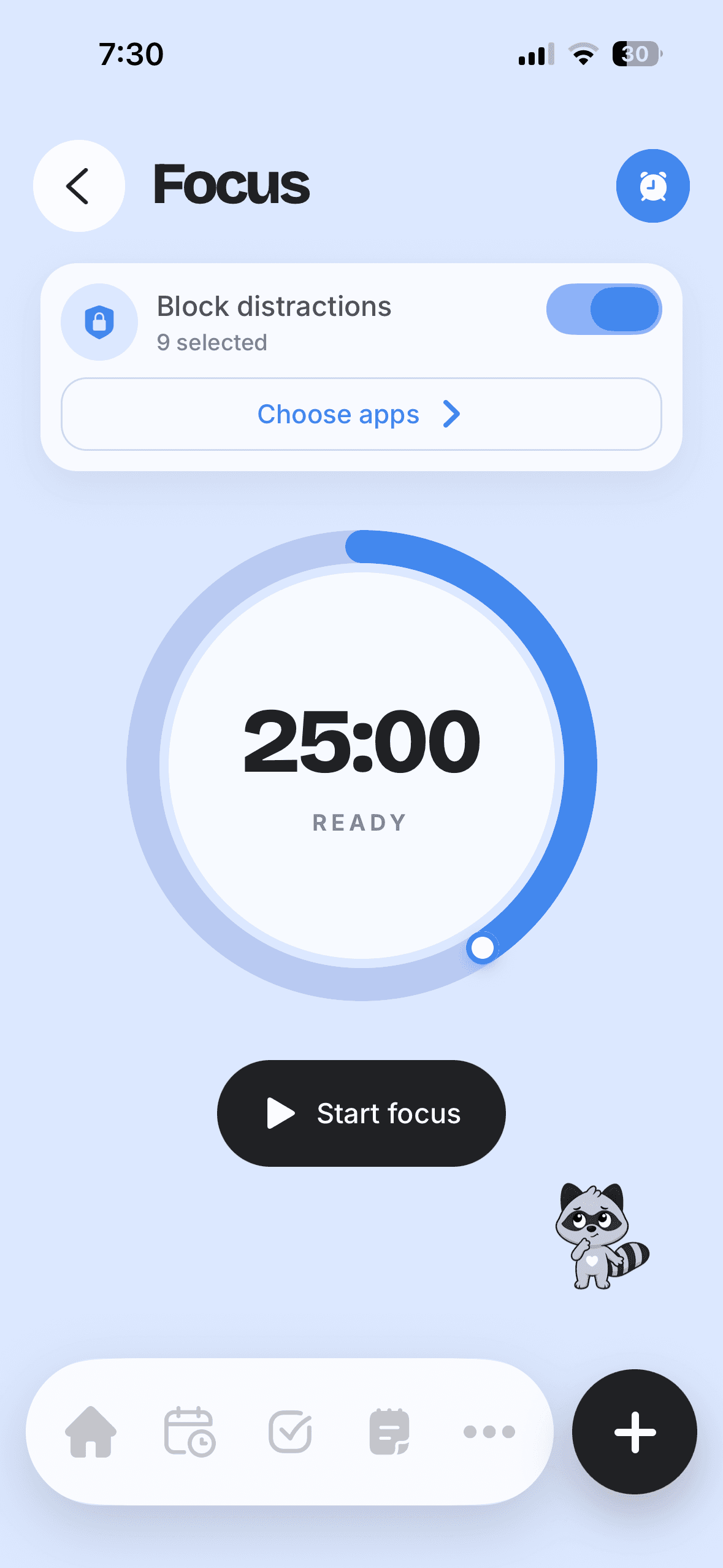
Habit tracker
Small routines, seen and celebrated.
Keep your habits visible, notice your rhythm, and build consistency one ordinary day at a time.
Explore Habit tracker →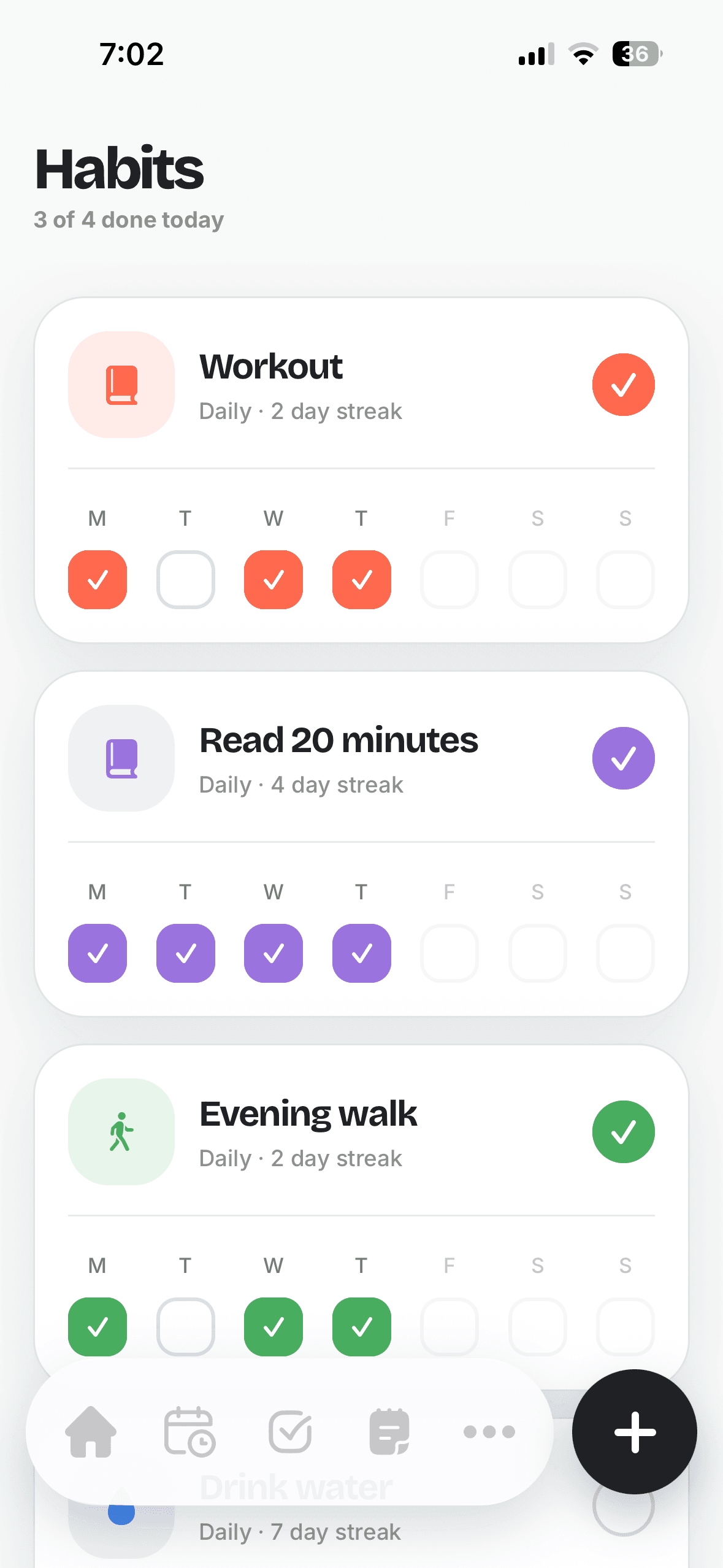
Keep the details close
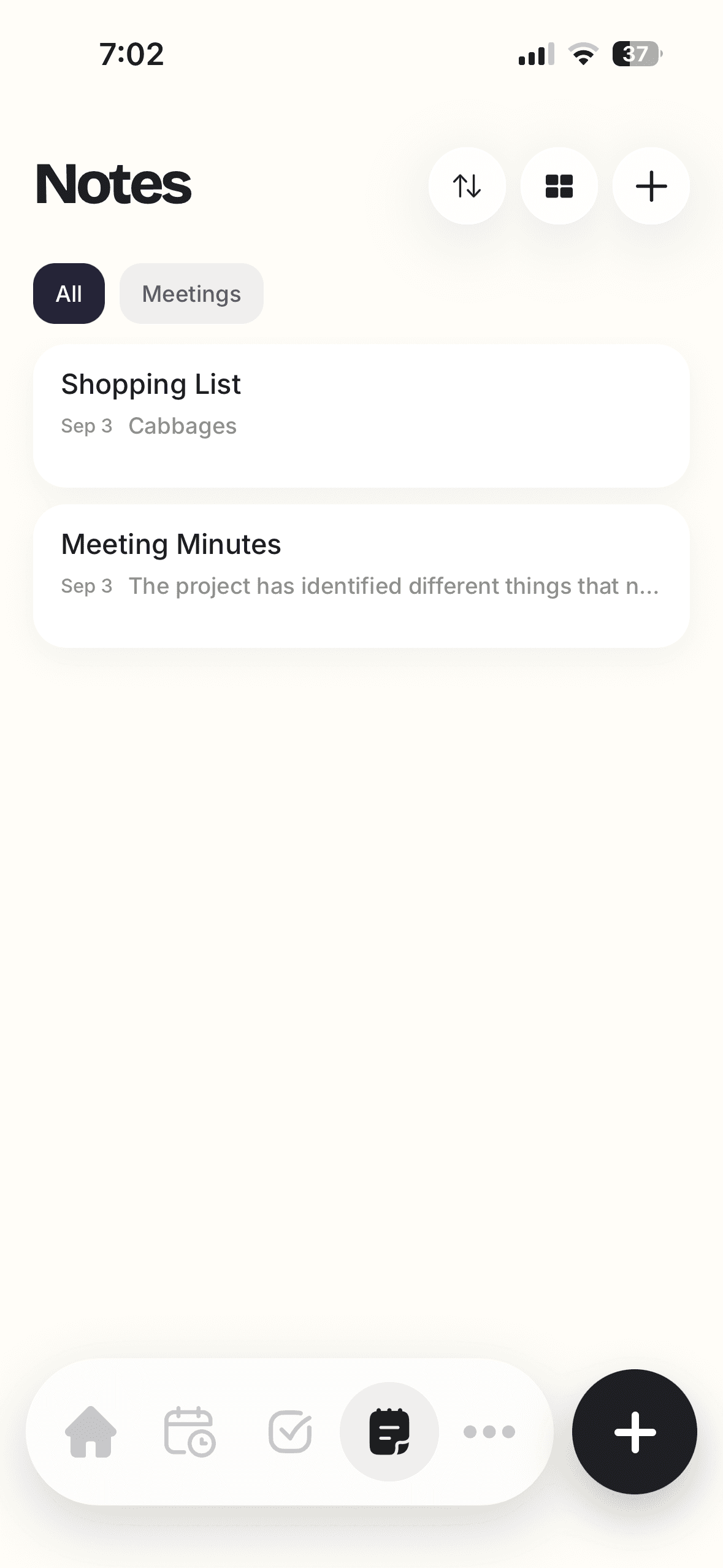
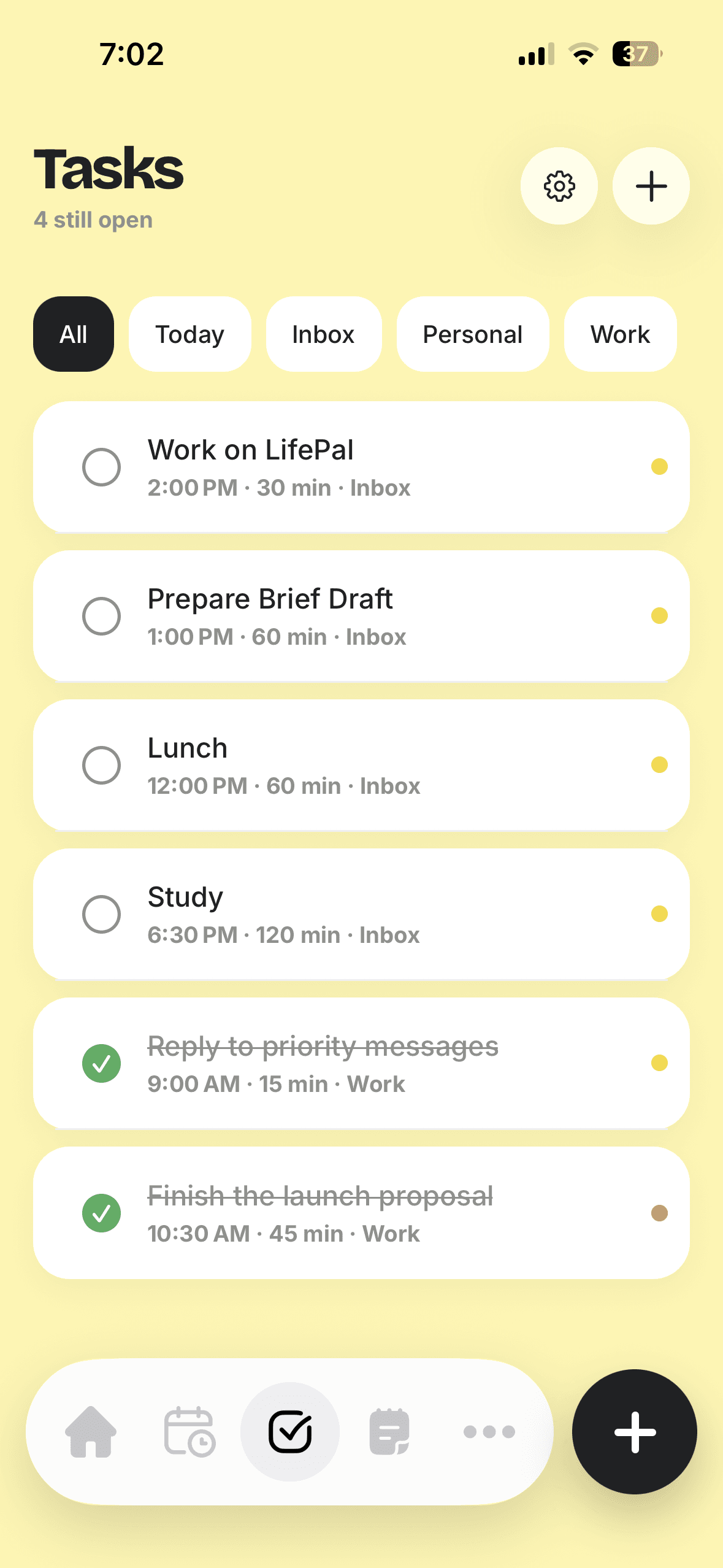
Tasks and notes
that do not get lost.
Capture what comes up, sort what needs doing, and return to your ideas when the moment is right.
One rhythm, one place
From a thought
to your next move.
Start with the day in front of you, capture a task while it is fresh, then make a little protected time to follow through.
Get LifePal for iPhone ↗- 01See the day
Give your priorities a place on your timeline.
- 02Choose a next step
Use the coach when you need a little clarity.
- 03Make time to focus
Set a session and return to what matters.
Questions, answered
A little clarity
before you begin.
Everything LifePal offers is built to help you meet the day with a bit more intention.
Is LifePal available on iPhone?
Yes. LifePal is available now on the App Store for iPhone.
What can I plan in LifePal?
You can keep tasks, your daily schedule, habits, notes, focus sessions, and coaching prompts in one place.
What does the AI coach help with?
The coach can help you choose a priority, shape a focus block, and make a crowded day feel more manageable.
Can I use LifePal to track habits?
Yes. Habit screens make routines visible so you can notice your rhythm and keep moving forward.
How do I request deletion of my data?
You can find the steps on our data deletion page.
A calmer way to move through your day
Make room for
what matters.
Bring your plans into one kind, focused place—with a thoughtful coach by your side.